
Mouths at one table
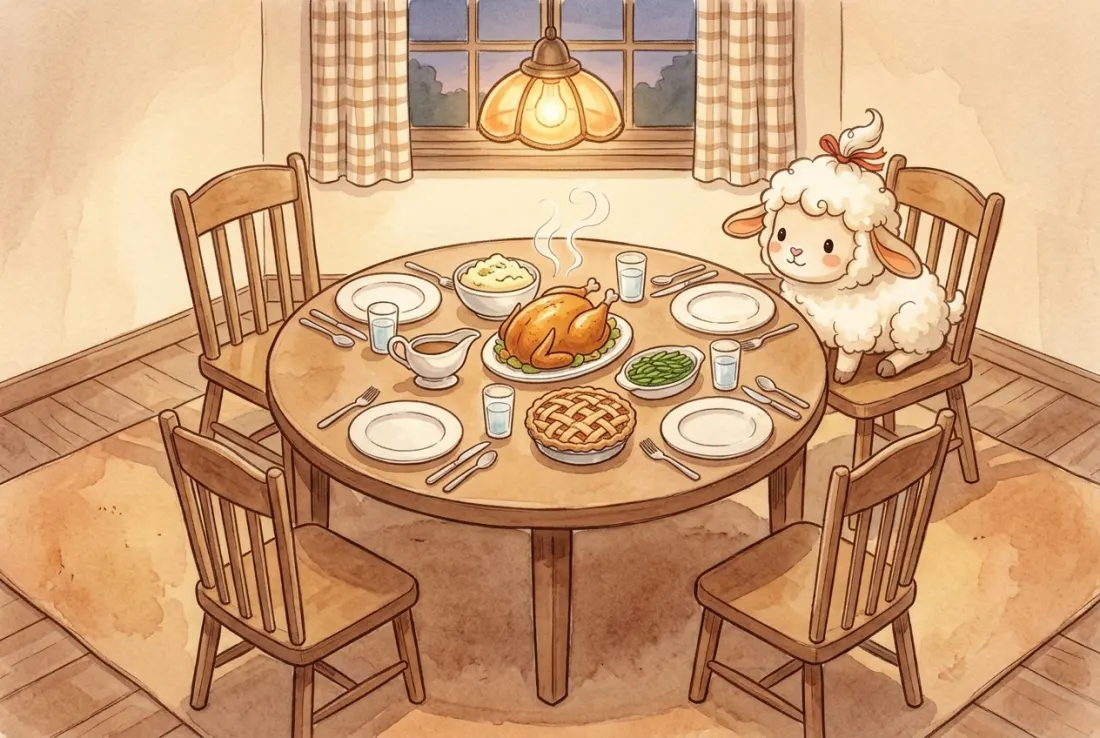
In Korean, sik means to eat and gu means mouth. Your sikgu are the mouths you share a table with: your family. That's why Koreans say hello with “Have you eaten?”, and “Let's grab a meal sometime” means “I miss you.”
Family · Partners · Friends, just between us
3, 5 or 10 seconds. Swap short clips with the people you call family, and no one else. Open the app and your window lights up.
Android is in closed testing. Ask to join by email

Tap a lit window
Sikgu
In Korean, sik means to eat and gu means mouth. Your sikgu are the mouths you share a table with: your family. That's why Koreans say hello with “Have you eaten?”, and “Let's grab a meal sometime” means “I miss you.”
Yours might be Sunday dinner, or the plate someone keeps warm when you're running late. That's the table Sikgu is named after.
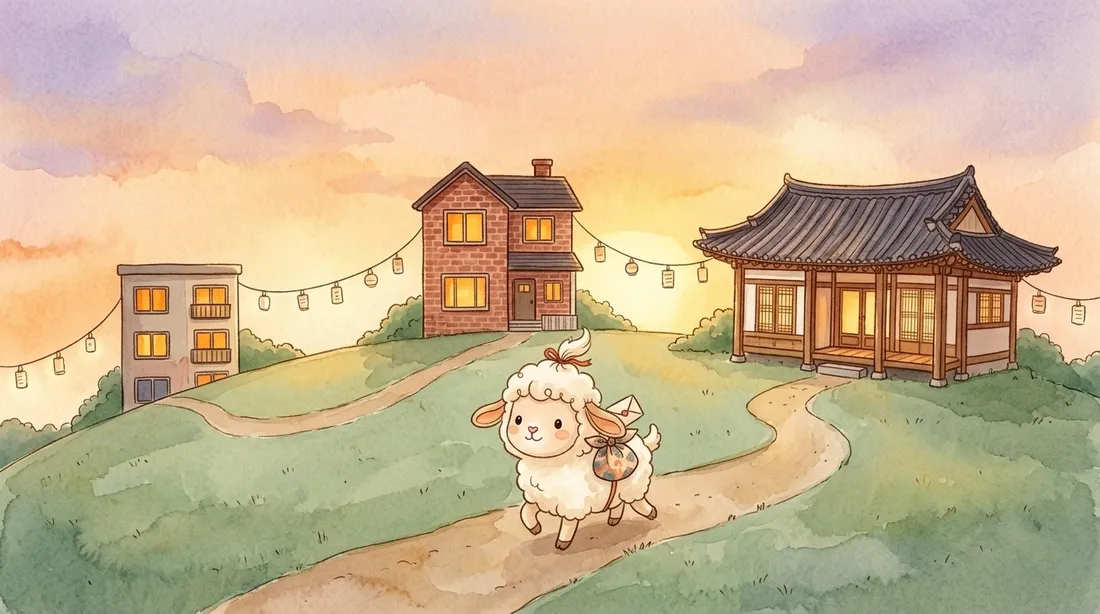
Everyone's at a different table in a different town. Even eating at the same hour is rare.
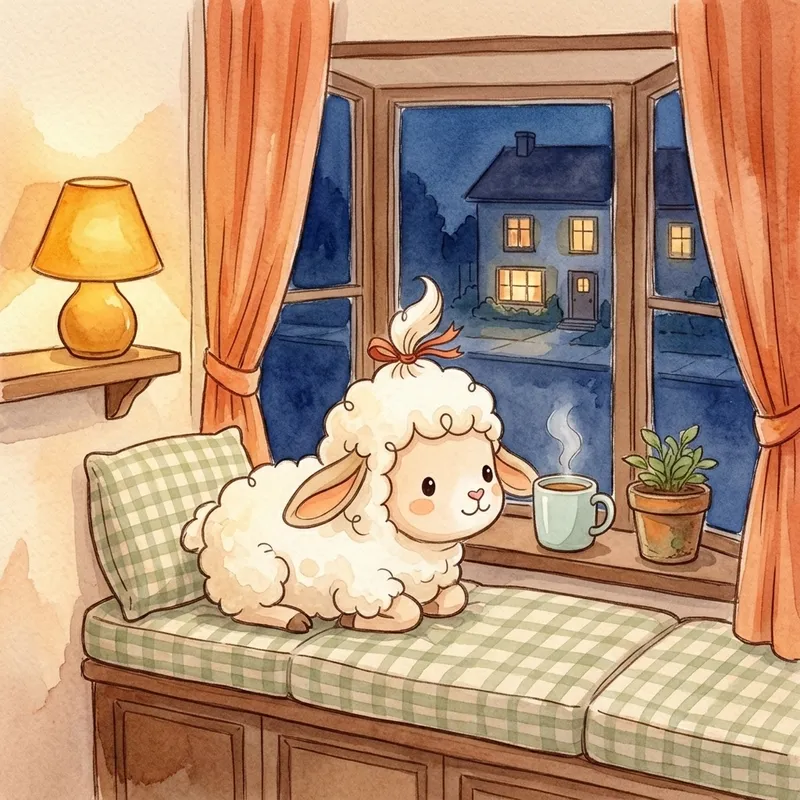
What did Mom do today? Did Grandma have dinner? It's too late to call, and a text alone feels a little empty.
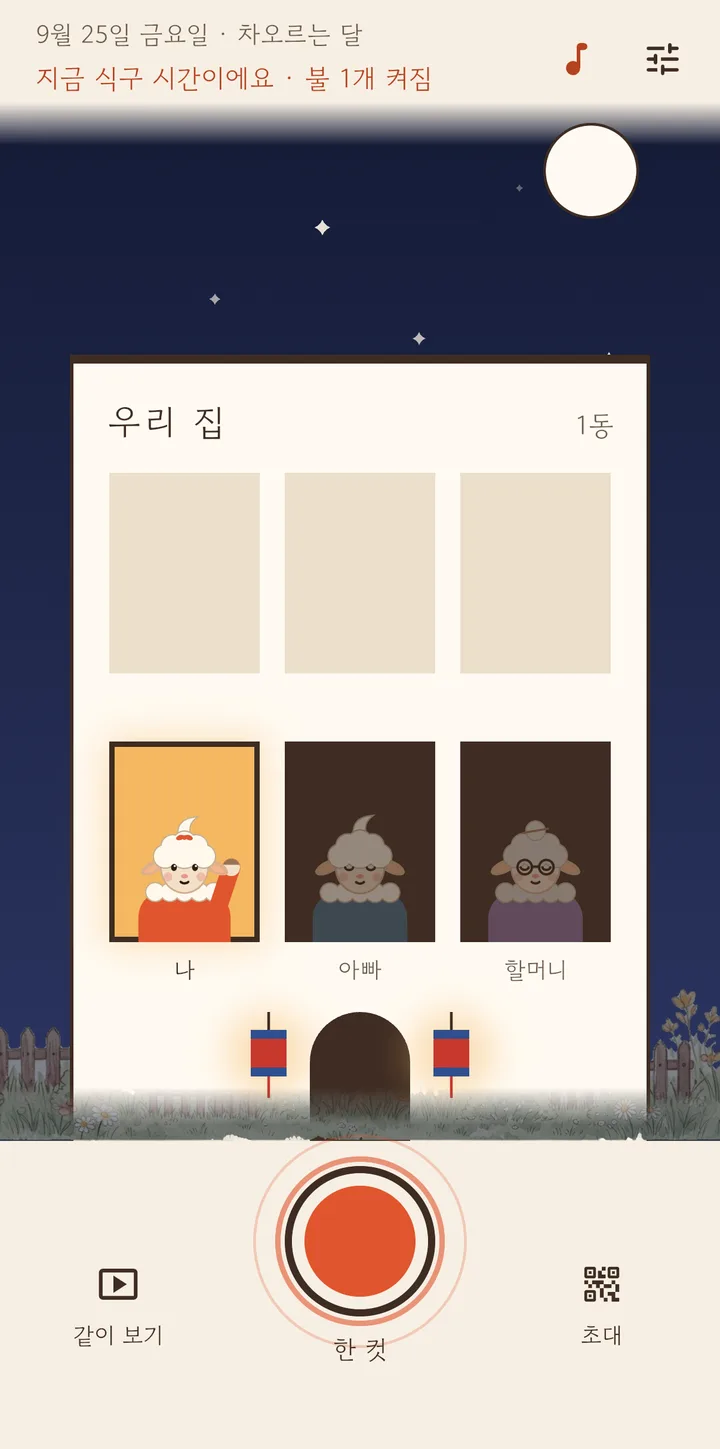
In Sikgu, each person is a window. Open the app and your window lights up, and short clips cross right away between lit windows.
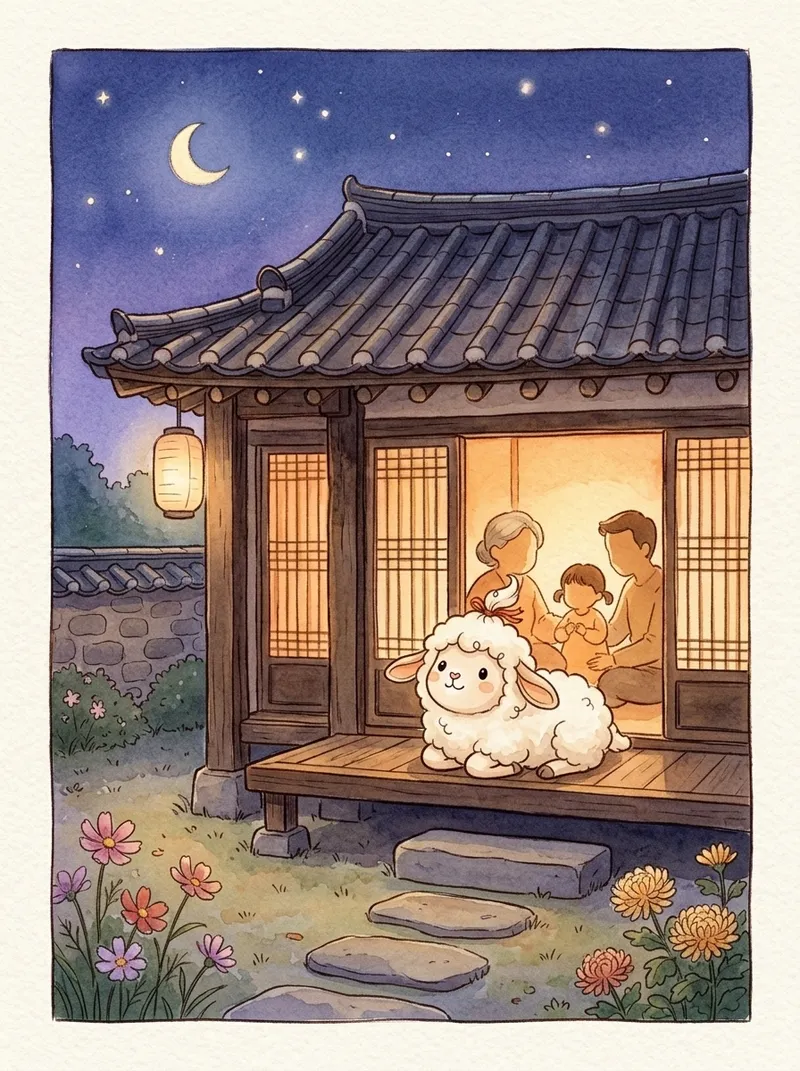
Once a day, everyone opens the app together. All the windows light up at once and today's clips cross over to each other. Like sitting around one table again.
Lights come on, curtains open, the lamb talks and snow falls. It's all the real app.
Tap a window and the orange curtain opens on the clips that person left. 3, 5 or 10 seconds: no long takes, no editing, just one tap. Below, you can see whether they've watched the ones you sent.
On days you'd rather stay off camera, switch to Voice. The camera turns off and only your voice is kept. On the other end, your lamb's mouth moves with how loud you speak.
The persimmon tree by the door grows with every clip your family leaves. When anyone leaves a clip each day, a persimmon ripens for every day in a row. Skip a day and the persimmons fall, but the tree stays as it is. Bring your dog or cat into the home too, and let them sit by the door.
Grow it yourself
In winter snow falls and settles on the roof; in spring cherry petals drift by. On Seollal and Chuseok, Korean lanterns hang beside the door, and on Chuseok night the full moon rises big. Try it yourself with the buttons on the street at the top.
There's no search and no public profile. Only someone who scans the QR on a family phone can come into your home.
Every clip that goes back and forth is locked with your home's key. The key travels only inside the invite QR.
The only notifications are family time once a day and word of a new clip. Nothing nags you to record.
No sign up, no ads, no in app purchases.
One person taps Make our home, then picks what everyone calls them (Mom, Grandma…) and a name for the home.
In Settings, tap Show invite QR. It carries your home's key.
Everyone else taps Join with invite QR and scans it. A new window appears in your building.
Clips cross while the app is open on both phones. Try opening it together at family time. On iPhone, also check the local network setting below.
On Android, turn on Receive in background in Settings and new clips are saved even with the app closed. On iPhone, clips are sent and received while the app is open. That's why there's family time.
The phone that sent it holds on to it and hands it over the next time both lights are on. Another member who has the clip may pass it along too.
Go to iPhone Settings › Privacy & Security › Local Network and turn on Sikgu.
No. Partners, close friends and roommates can share a home too. When you pick what they call you, choose from Family, Friends or Partner.
In Settings, tap Use this phone as a frame. The screen stays on and its window stays lit, so a new clip plays with sound the moment it's made. In between, recent clips loop quietly.
It's free. No ads and no in app purchases.
That home's videos and records are deleted from your phone. Videos that already reached other members' phones stay on those phones.

One person makes the home and shows the QR. Then open it together at family time tonight.
Download on the App Store